Categories:
Create a table called “shopertino_categories“, and any document in this table should have the following attributes with the same names and types:
id: String // same value as the document id
color: String
name: String
photo: String
it should look like this on firebase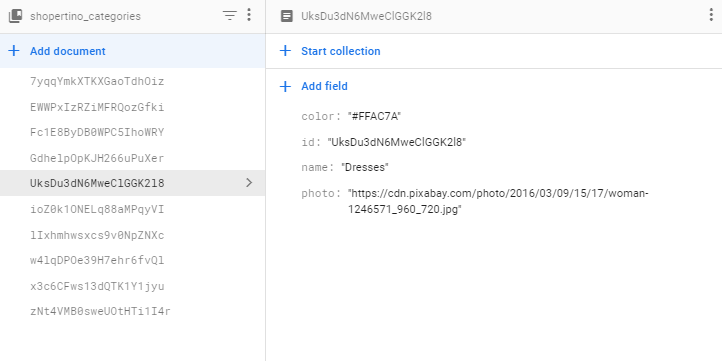
Note: make sure that the document id and inner id field have the same value.
Products:
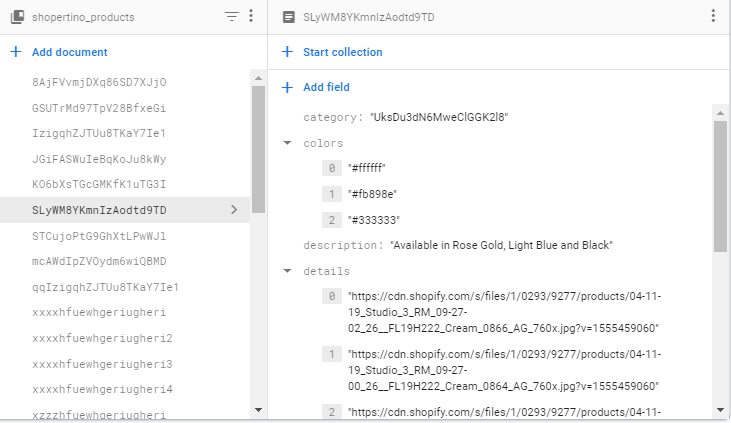
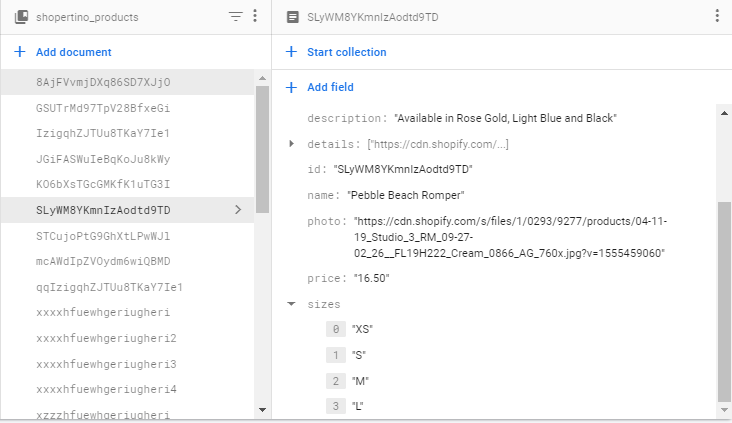
Create a table called “shopertino_products“, and any document in this table should have the following attributes with the same names and types:
category: String ///Note: id of the category this item belongs to, should point to a category.id field in the categories table
description: String
id: String // same value as the document id
name: String
photo: String //the product main photo
price: String
details: Array // list of strings of product images urls
sizes: Array // list of strings containing the product sizes
colors: Array // list of strings containing the product colors
it should look like this on firebase
Note: make sure that the document id and inner id field have the same value.